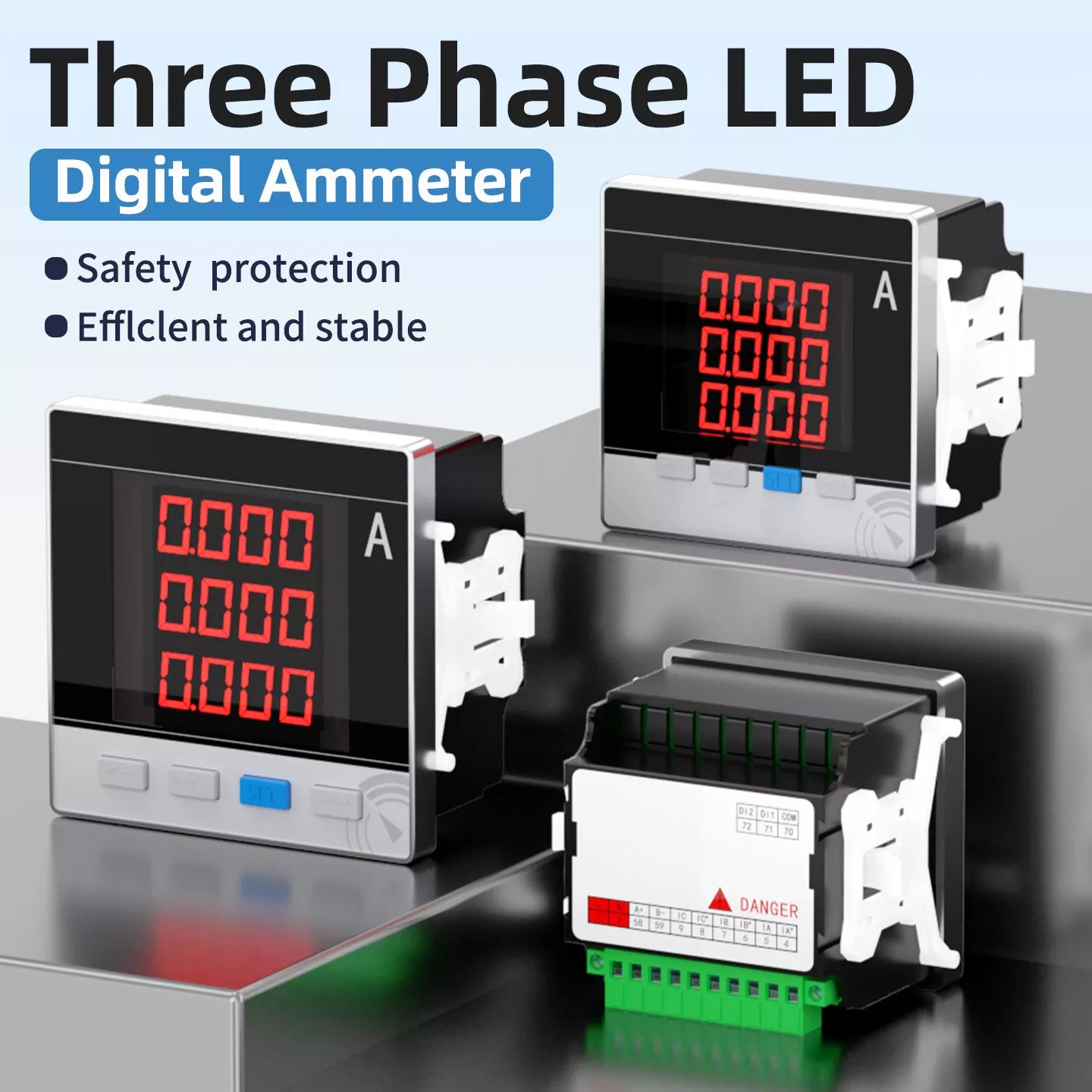
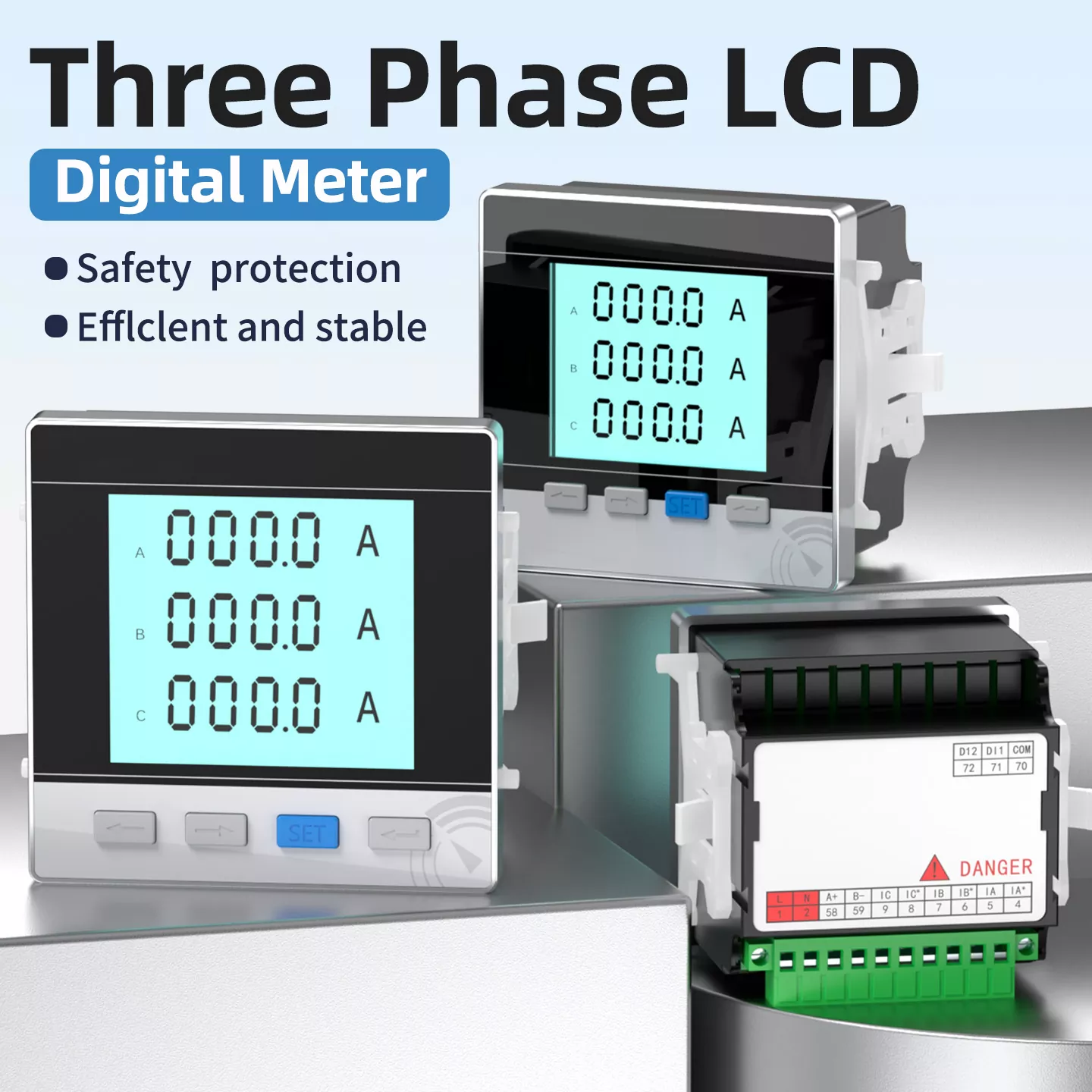
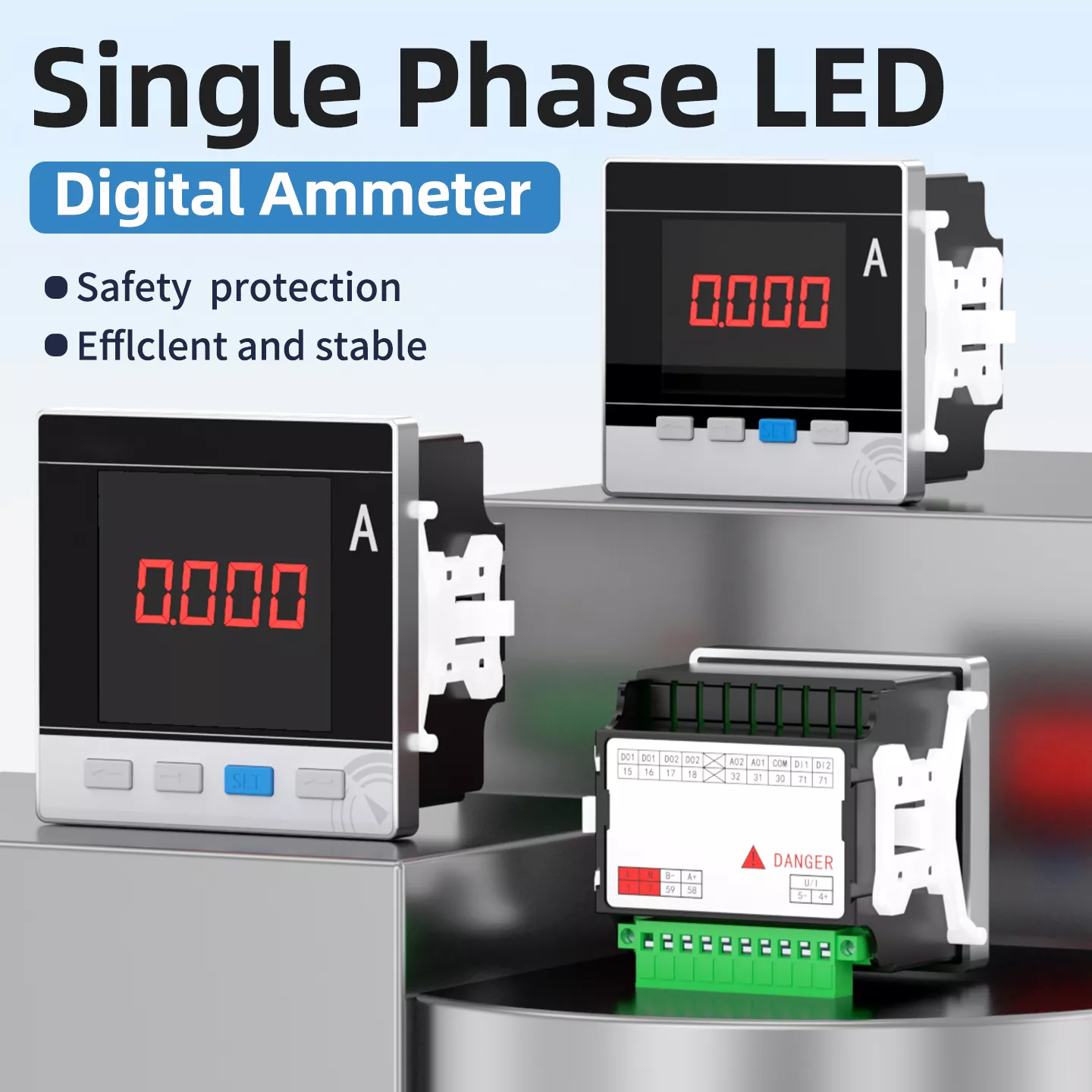
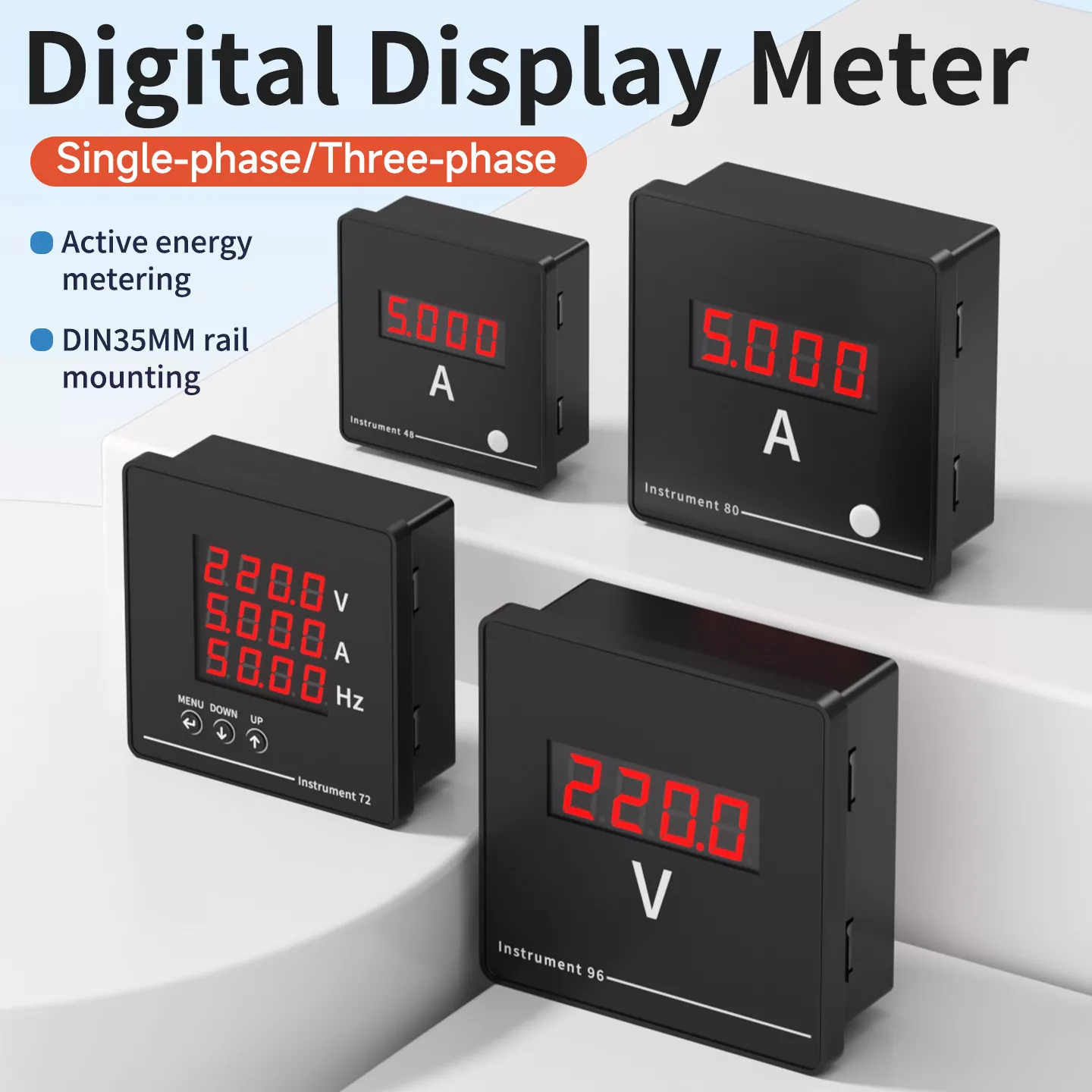
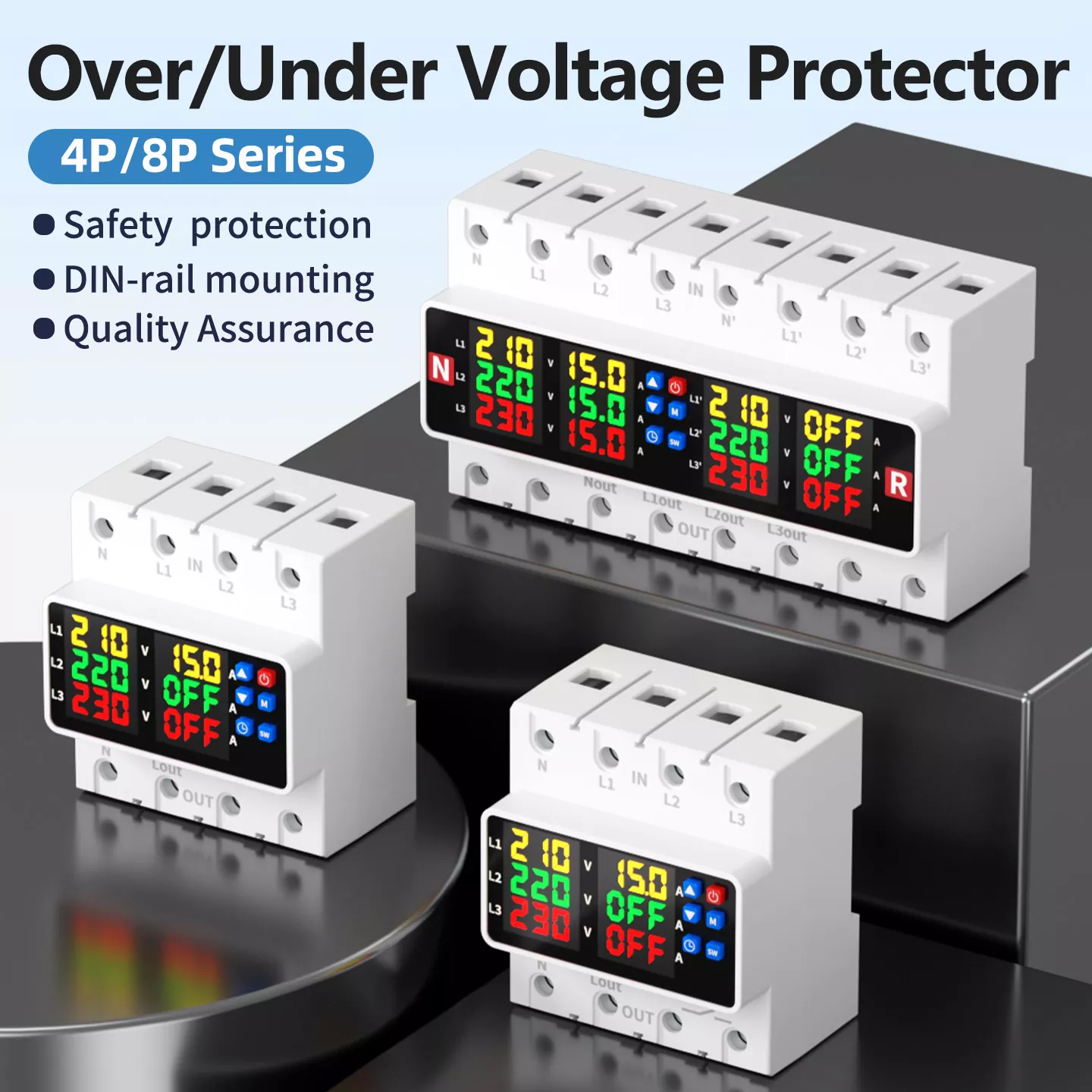
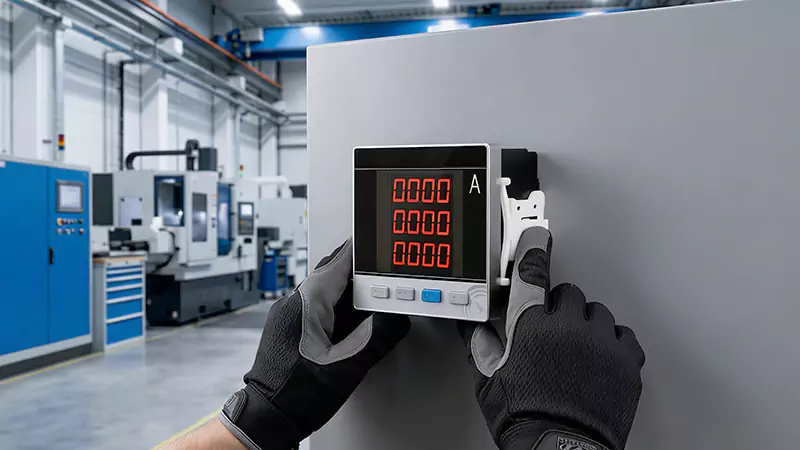
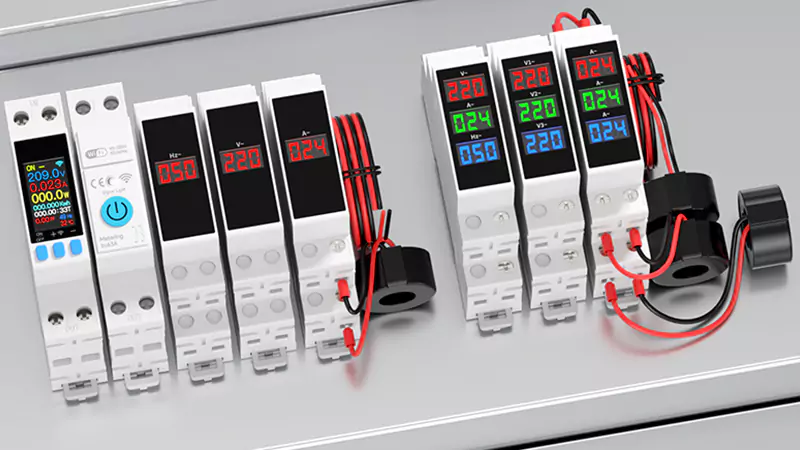
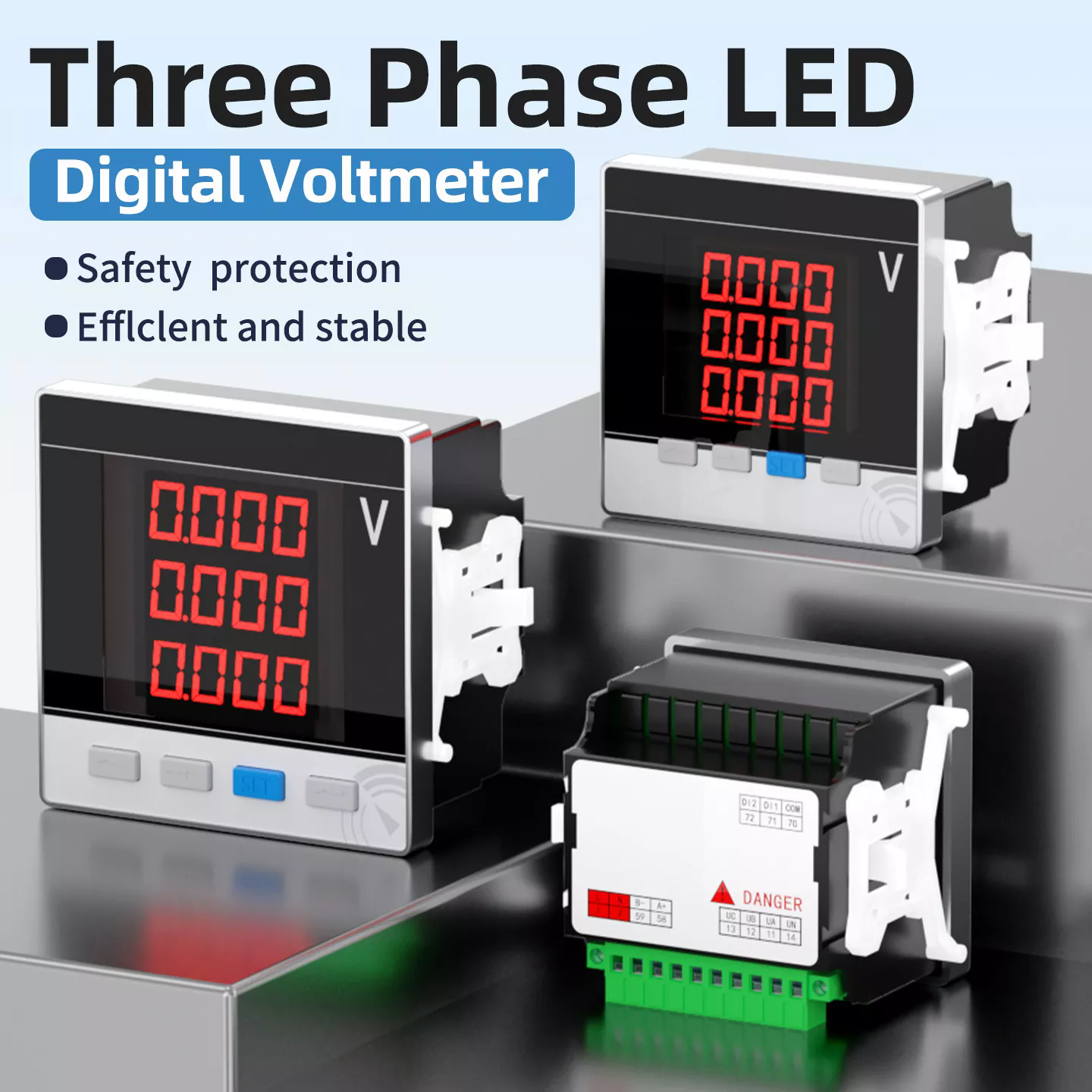
Single-phase rail-mounted electricity meters are not simple devices that can be plugged in and used immediately - they are compact intelligent metering terminals specifically designed for centralized installation in distribution boxes. They are widely used in commercial buildings, small factories, charging stations, photovoltaic systems, and smart home circuits for monitoring. Many people look at their small screens and buttons in confusion: "What do these numbers mean? How do I check the electricity? Can I view it remotely?" This article will teach you step by step how to understand, use, and manage this "little square" properly.
1. Appearance Recognition: First, identify the key components
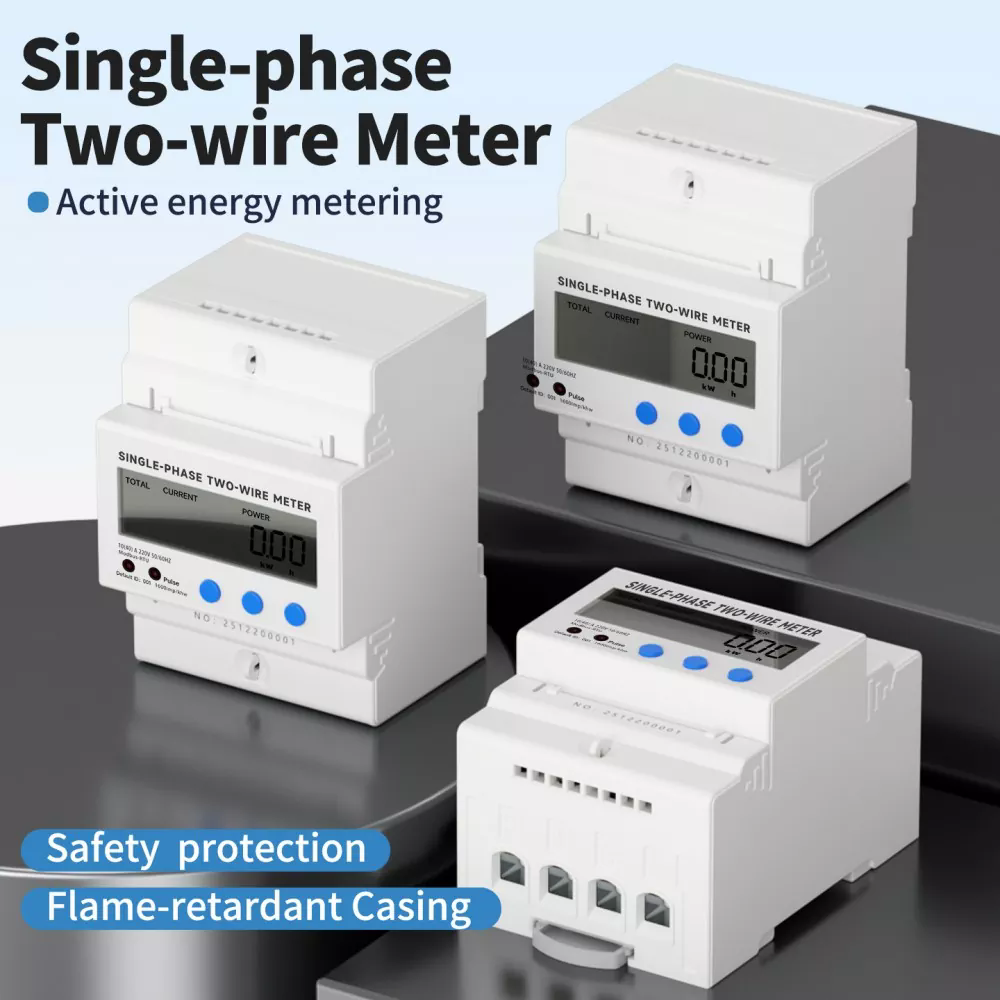
The rail-mounted electricity meter is usually installed in accordance with the standard 35mm DIN rail. Its dimensions are approximately 70×35×60mm (1 module or 2 modules wide), and the front side includes:
1. LCD screen: Displays parameters such as voltage, current, power, and battery level;
2. Wheel display/scroll button (for some models): Allows manual switching of displayed items;
3. Pulse indicator light (LED): The flashing frequency indicates the current power level;
4. Terminal blocks: L/N input line, L/N output line, some of which have RS-485 communication terminals;
5. Nameplate label: Mark the model, accuracy class (such as 1.0 class), rated current (such as 5(60)A), communication protocol, etc.
Note: If there are no physical buttons, most models support "automatic scrolling" - automatically switching to the next item every few seconds.
We use cookies to offer you a better browsing experience, analyze site traffic and personalize content. By using this site, you agree to our use of cookies.Privacy Policy